Robot Shutdown
This article describes how to safely shut down the robot control program.
Shutdown via Handheld Controller
- After use, if the robot is in Whole Body Mode, tap the "Stand" button to make the robot enter the standing mode for suspension operation. (This operation is not required in Upper Body Mode as the robot is in the safety protection state.)
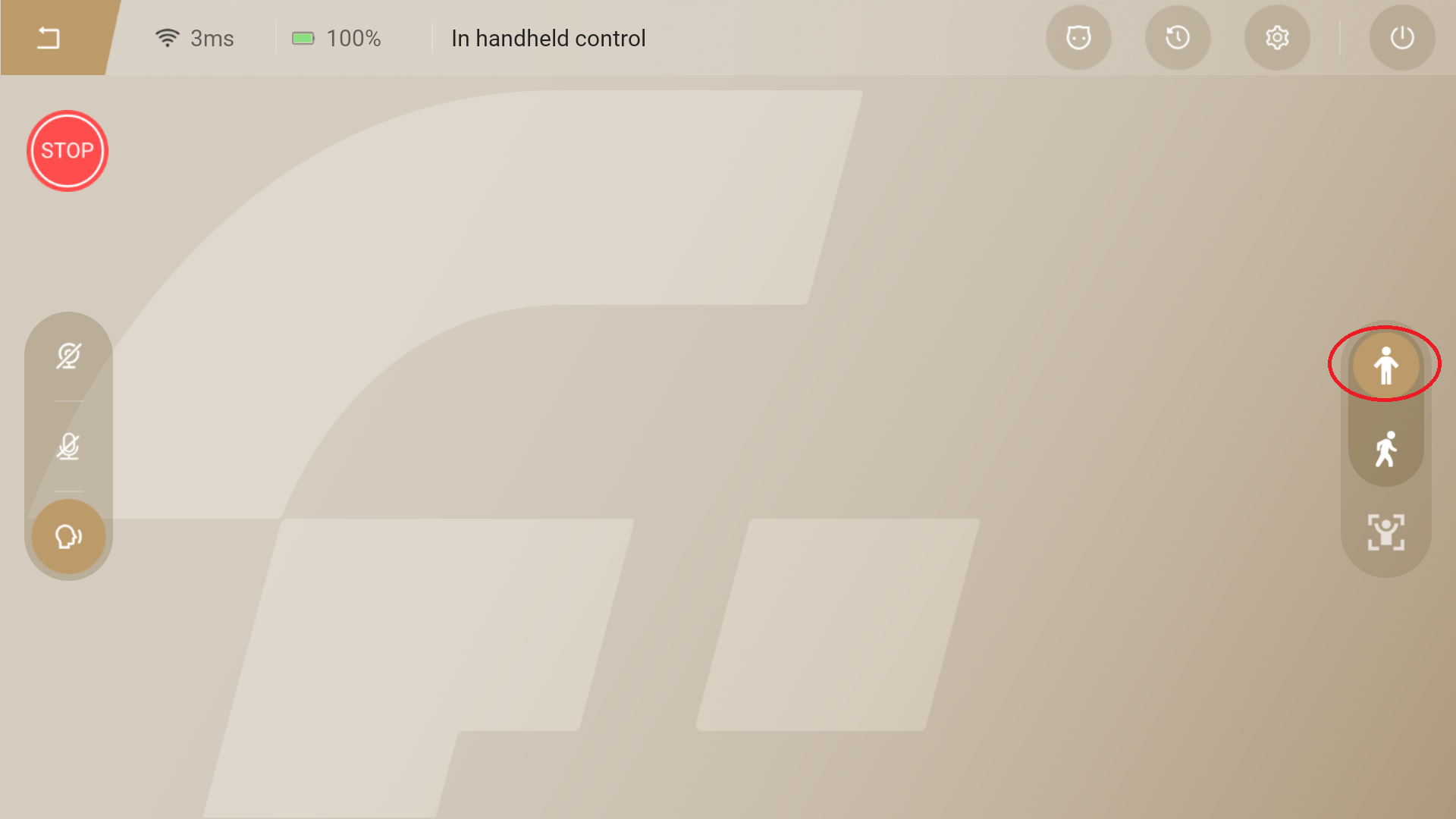
- In Whole Body Mode, use the shifter to control the robot to ascend, lifting it until both feet are sufficiently off the ground. (This operation is not required in Upper Body Mode as the robot is in the safety protection state.)
⚠️ Notice: In whole-body mode, ensure the robot is in the standing mode before suspension. Suspending the robot while it is in the walking mode may cause its lower limbs to become uncontrolled.
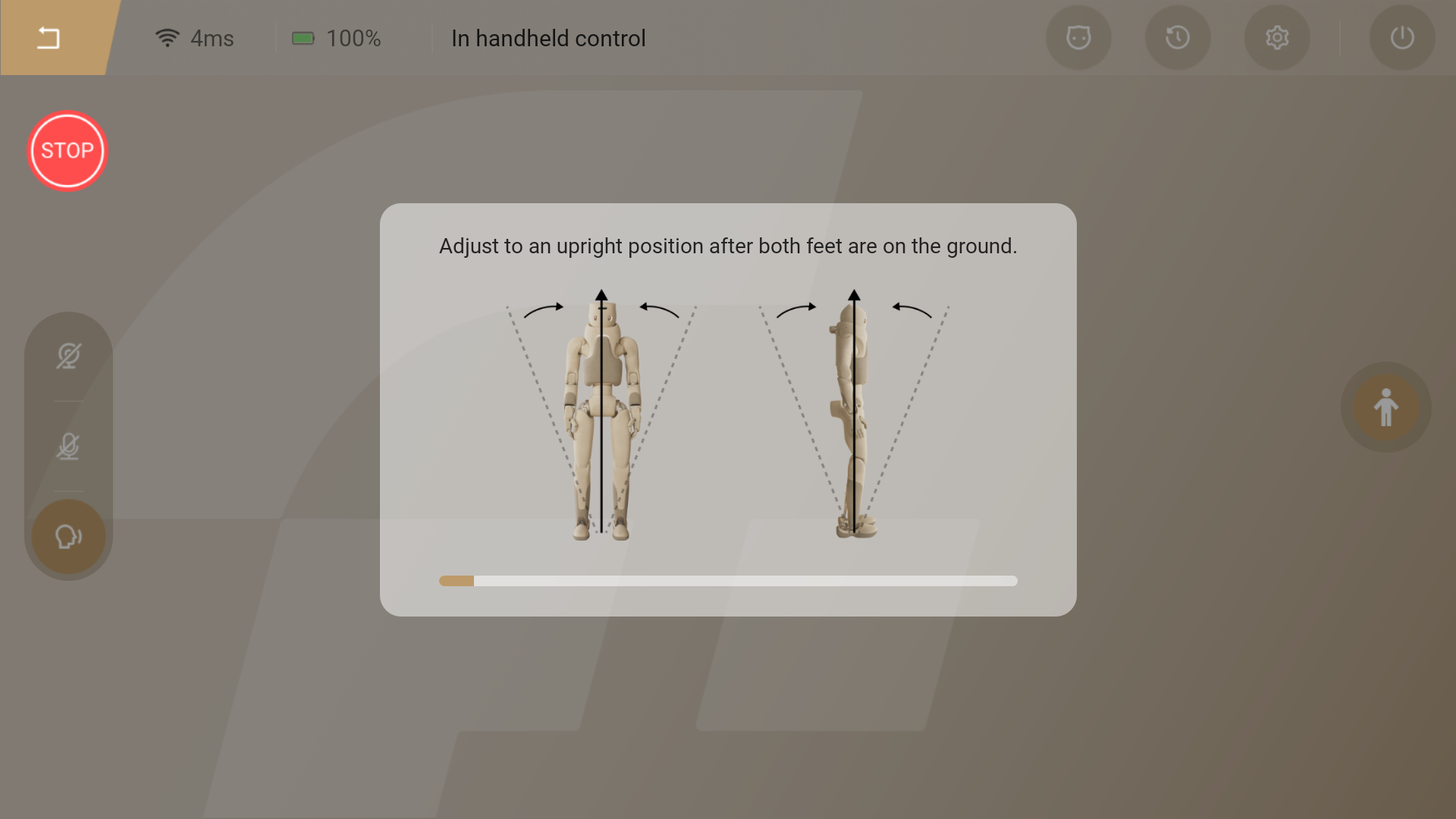
- Return to the home page, tap the "Shut Down" button on the navigation bar, and then tap the "Power Off" button on the pop-up prompt. The robot will power off entirely.
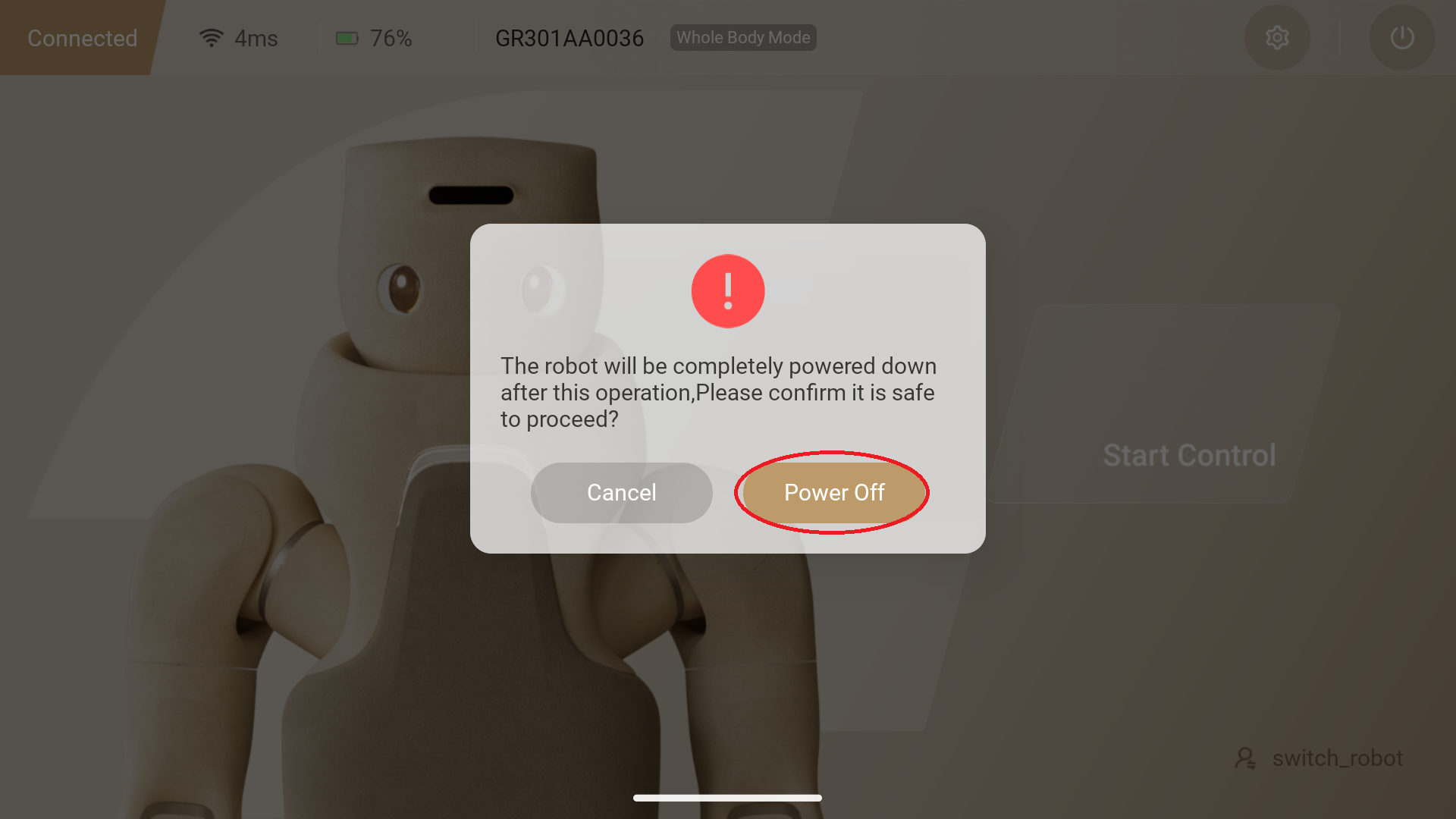
- After confirming shutdown, the robot will enter the shutdown state. The pop-up window will disappear once shutdown is successfully completed.
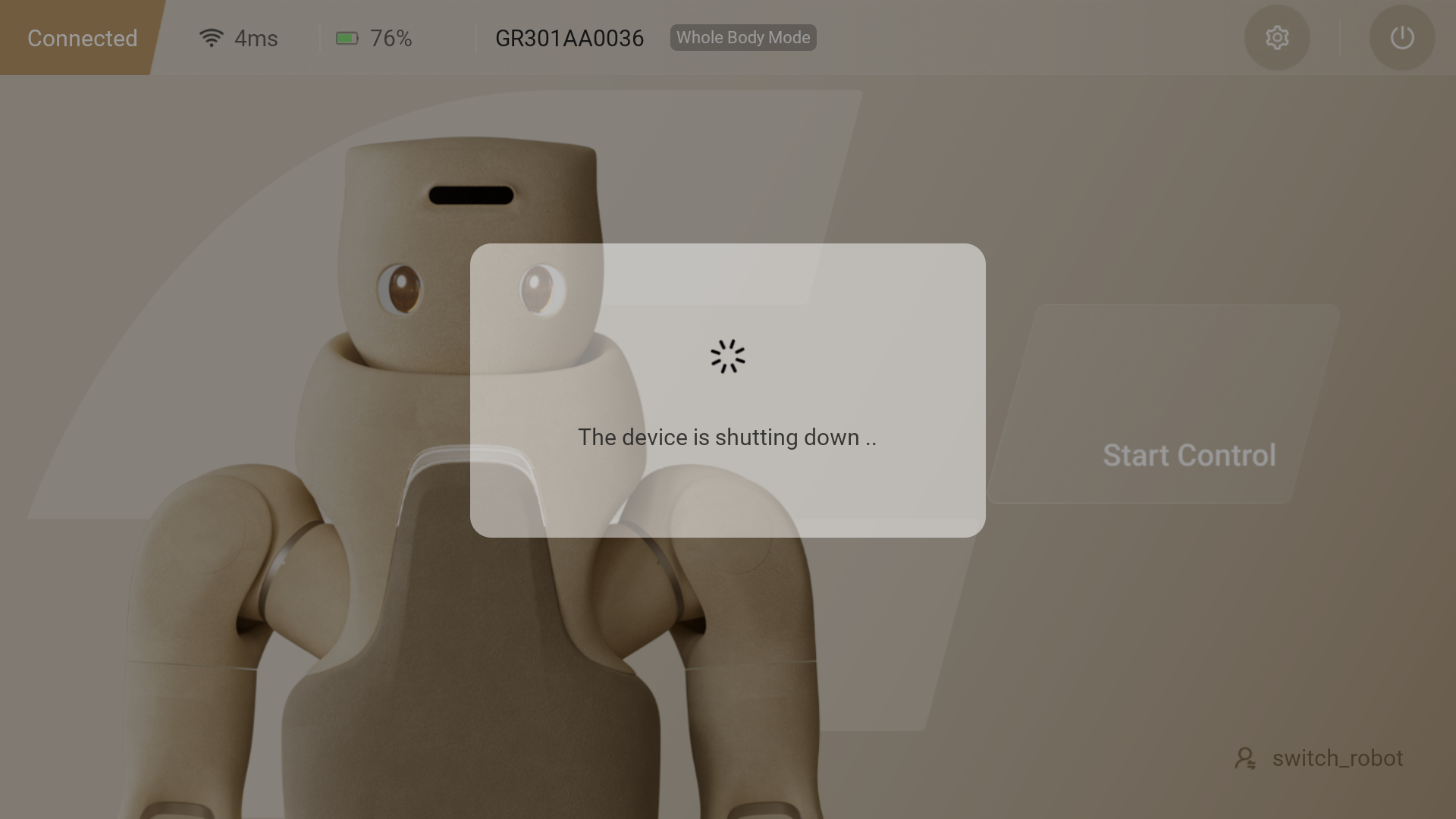
- In Upper Body Mode, the robot is in a safety protection state, and the program can be closed directly.
Manual Shutdown
⚠️ Note: Before manually shutting down, the robot must also enter the safety protection state and the emergency stop must be activated.
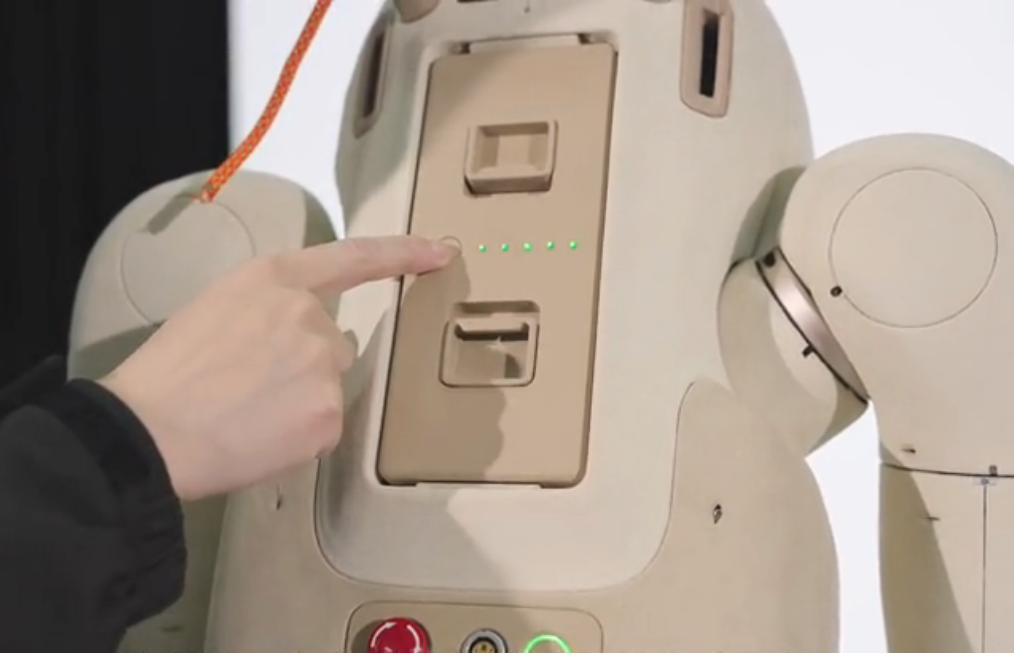
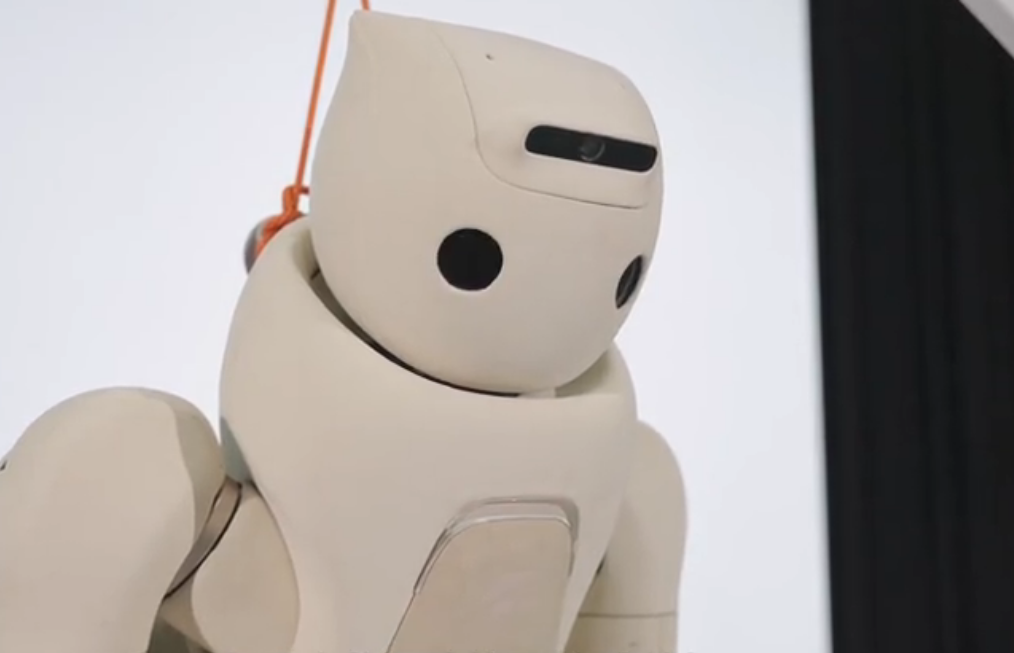
Press and hold the battery switch until the indicator light turns off, then flashes several times and turns off again. Only then can you release it. The robot's eyes will turn off, completing the shutdown.
⚠️ Note:
Since the GR-3 adopts a dual-battery design, if released too early, the internal batteries will continue to supply power to the robot, and the robot's eyes will remain lit.