Starting the Robot Program
Device Connection
- Turn on the robot remote control, click "Connect" to enter the device connection process.
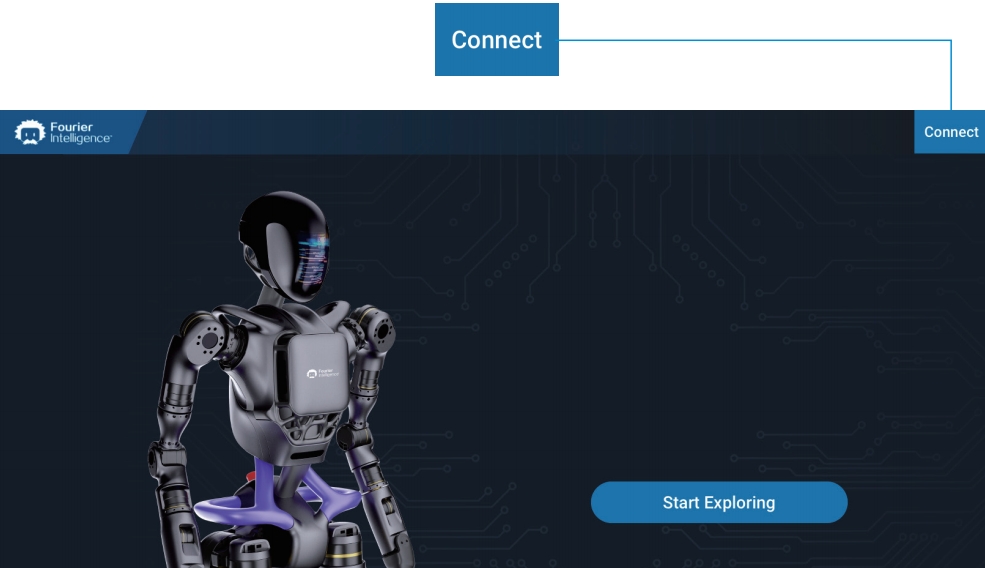
- After completing the "Startup Guide", click "Device Connection" to enter the remote control system network settings.
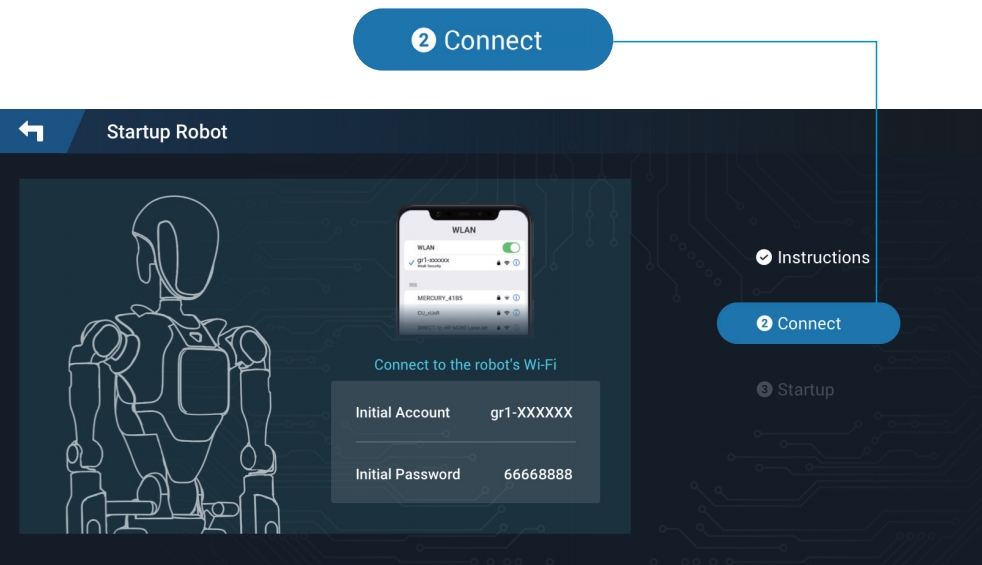
- Connect to the robot's Wi-Fi network (Name: gr1-XXXXXX, Initial password: 66668888).
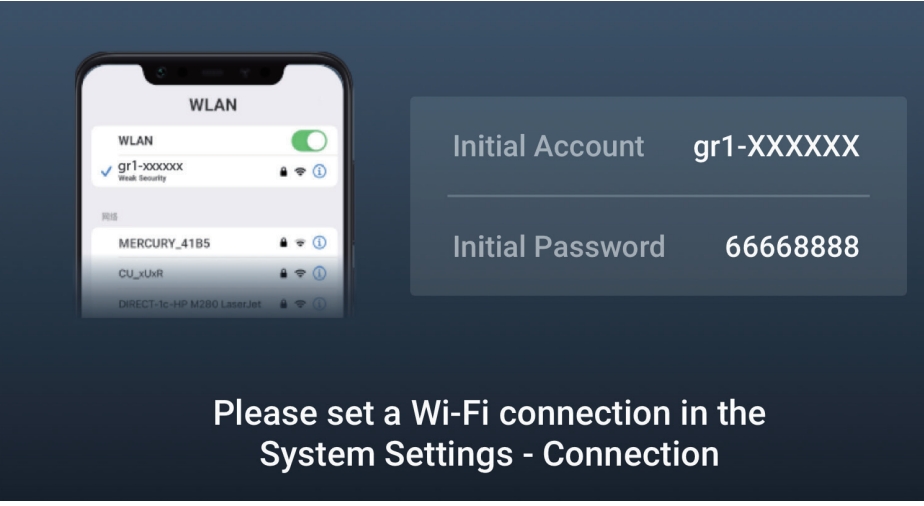
- After successfully connecting to Wi-Fi, return to the remote control APP. A prompt "Device Connected" will appear, and it will proceed to program startup.
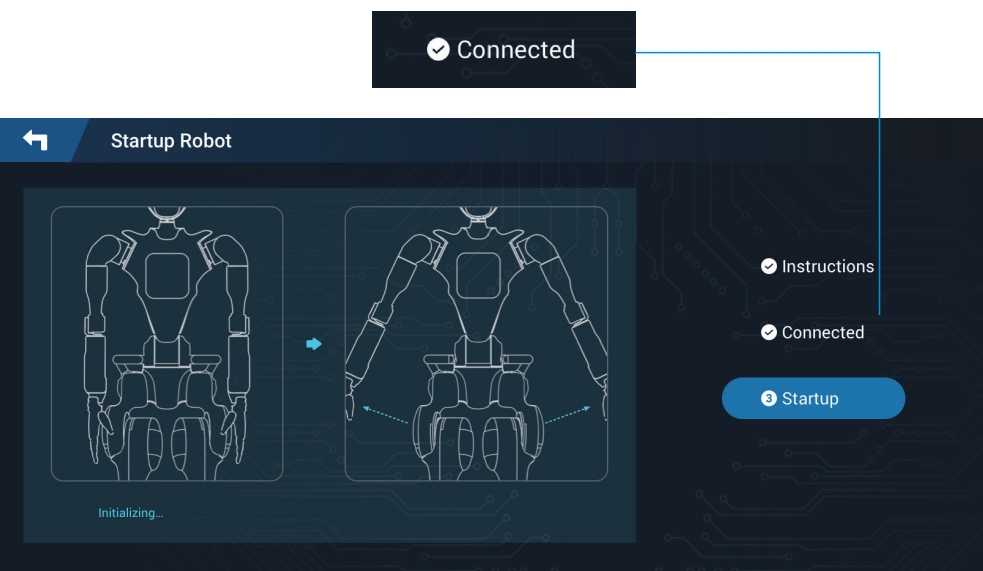
Program Startup
- Click "Program Startup" to start the motion control algorithm program.
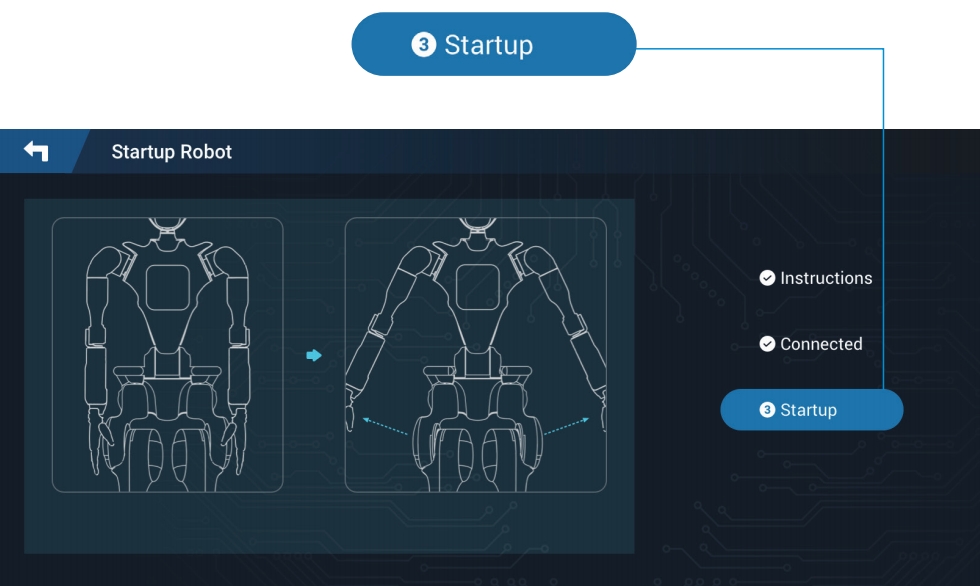
- After a successful startup, the program startup success screen will be displayed.
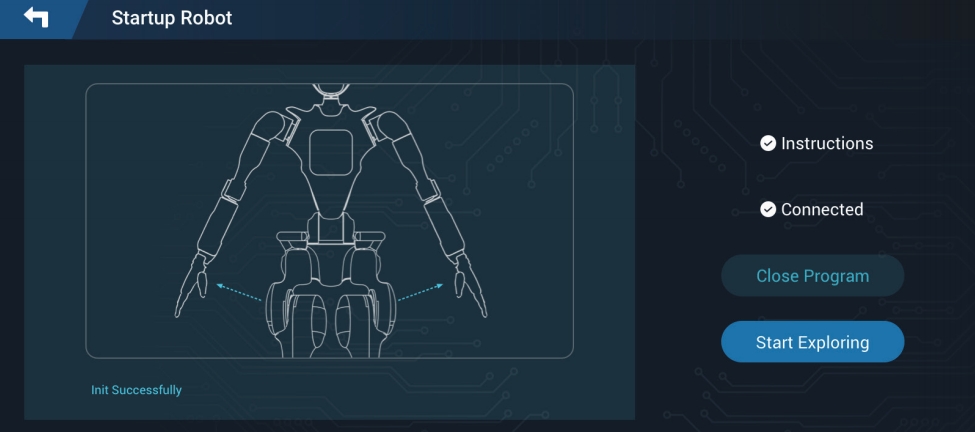
Note:
If the control program fails to start successfully, the "Start Exploration" button will be unclickable. Click "Program Shutdown" first, then click "Program Startup" to restart the program.